
Fine-tune a model
Train a LoRA adapter on your own JSONL dataset in AI Studio. Covers dataset format, job setup, hyperparameters, and what happens during training.
BETA
This is a beta feature. For more information and access requests, please contact us through the Support Portal.
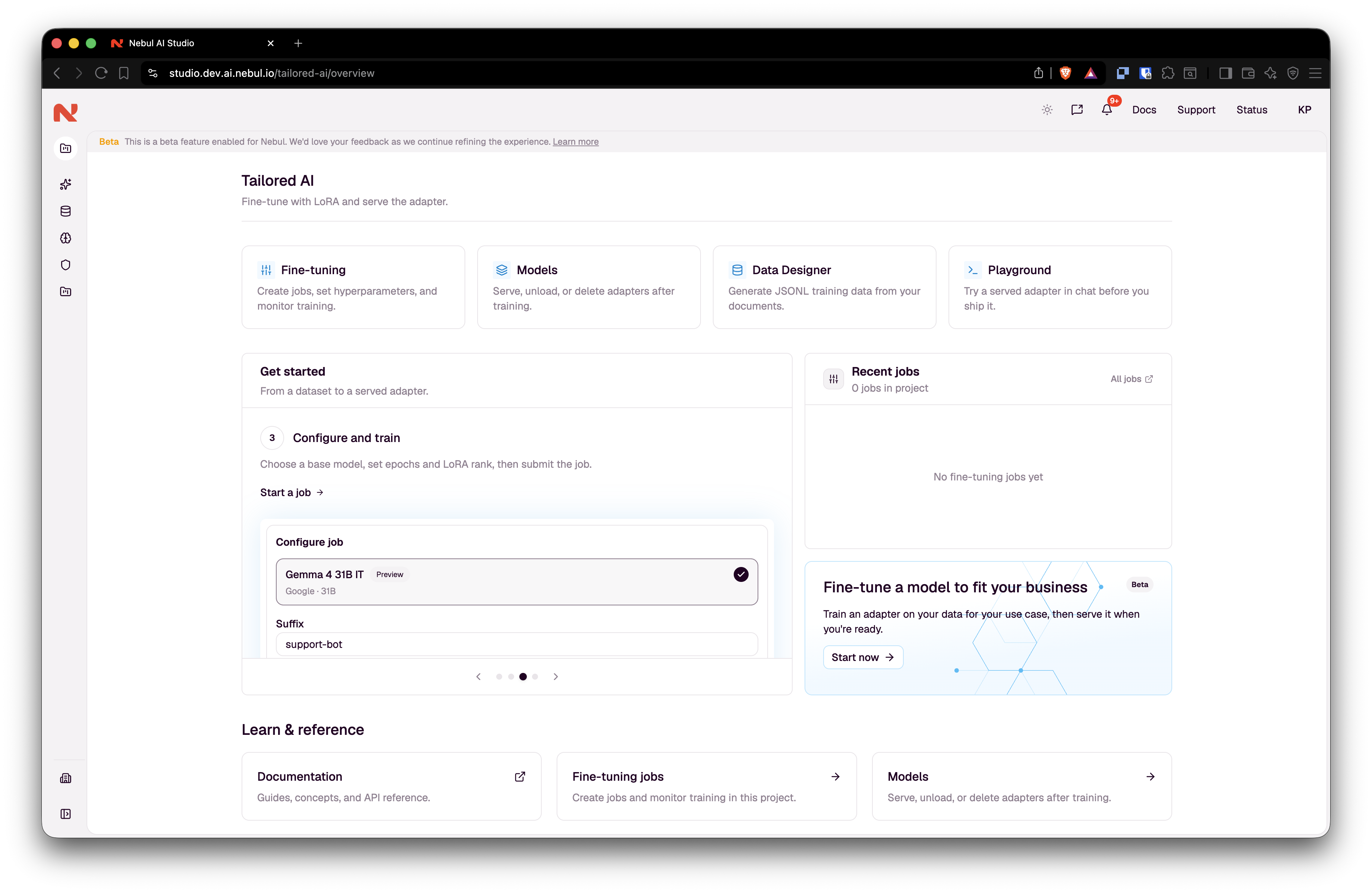
Fine-tuning trains a LoRA adapter on your own examples. The base model's weights are untouched; a small adapter learns your domain, wording and answer format. When the job succeeds, the adapter appears in the model catalog. Serve it before you can query it like any other project model.
Use it when a general model is fluent but wrong about your specifics: internal procedures, legal wording, writing style.
Supported for text LLMs only, see Supported base models.
Need examples to train on? Data Designer is optimized to produce inputs that are ready for these runs.
How it works
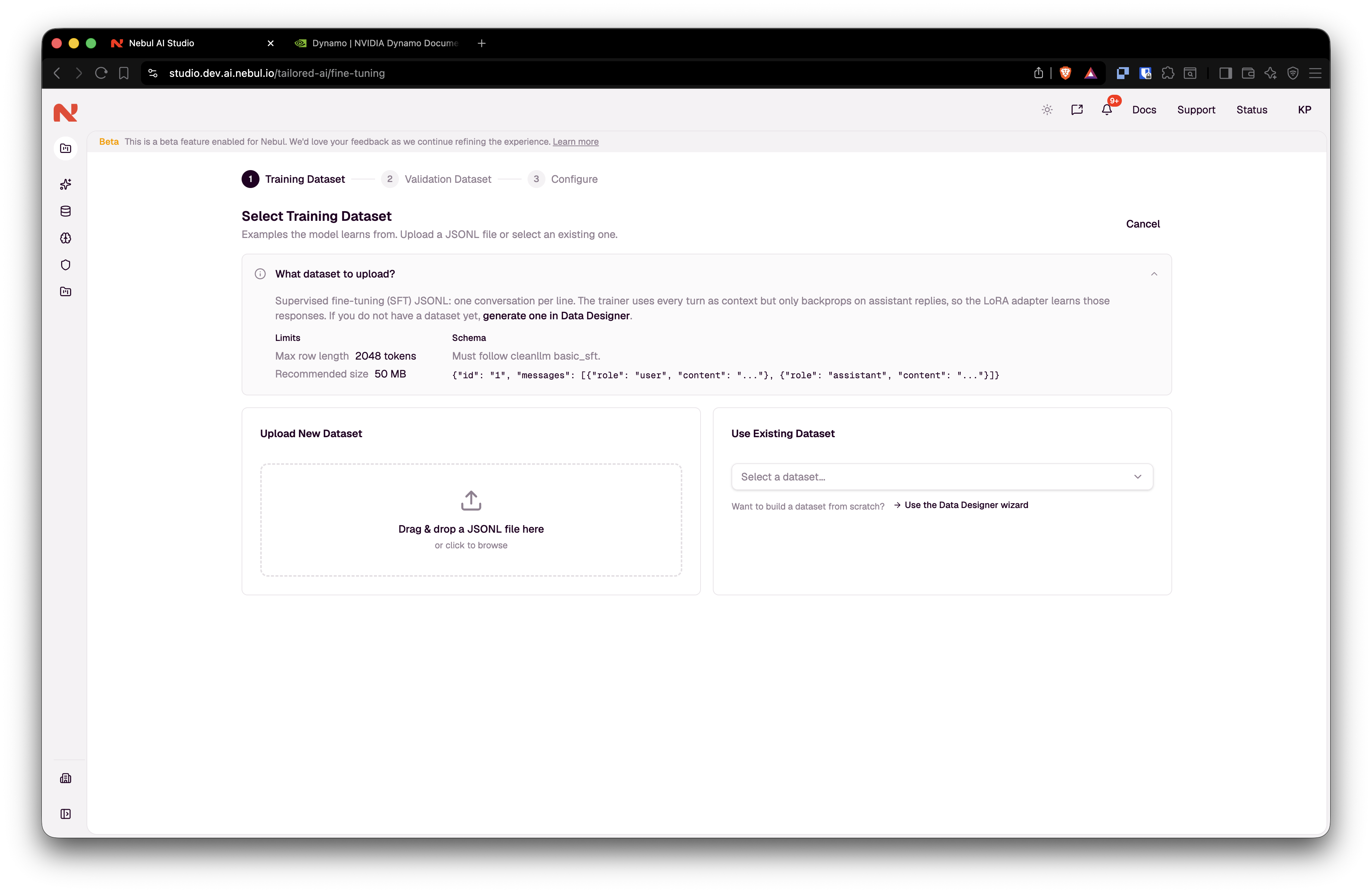
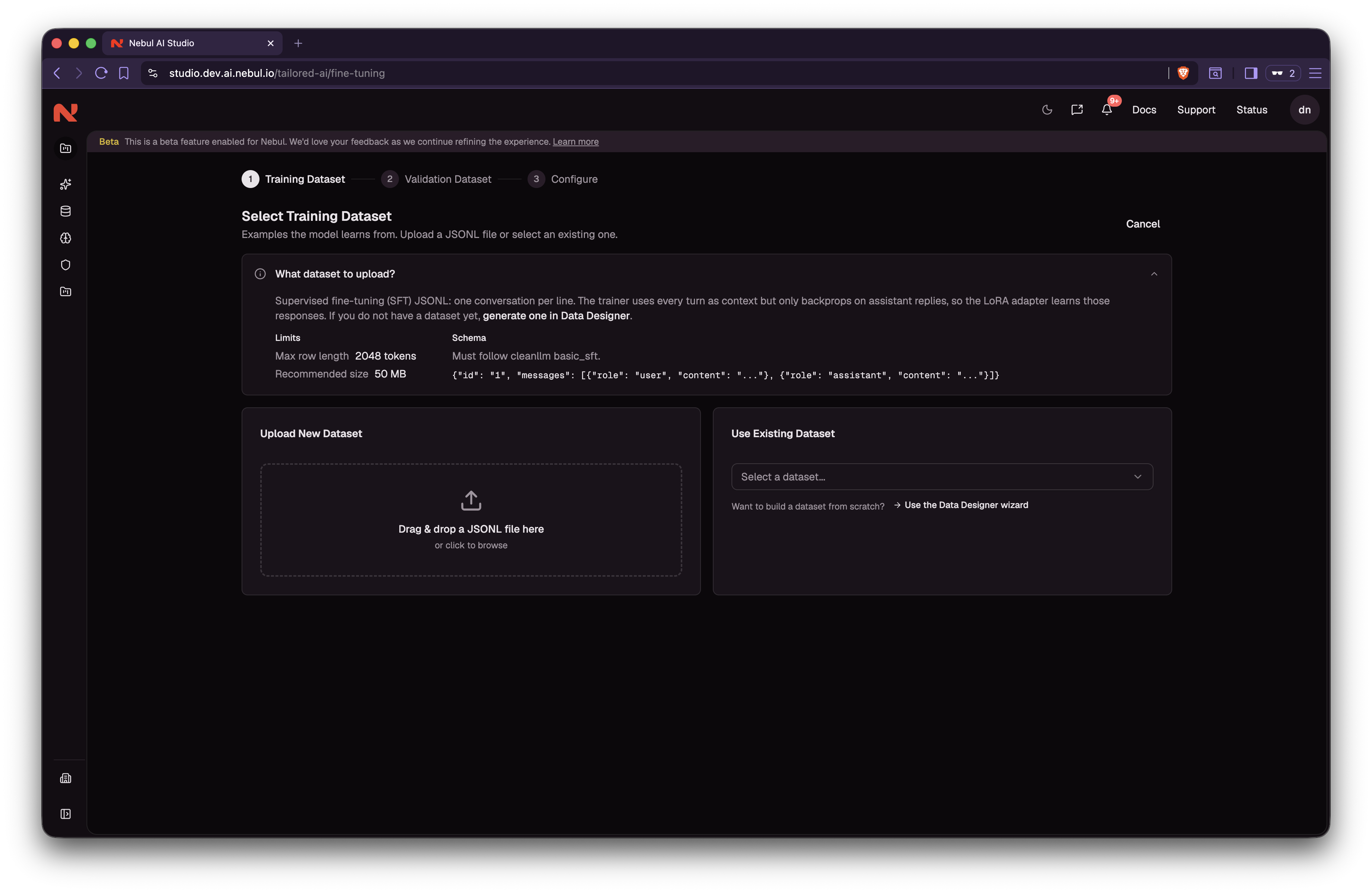
- Pick a training dataset. Upload JSONL, or choose a file already in the project (including one from Data Designer). AI Studio checks the file as soon as you pick it and shows its row count. You can't start the job until the check passes.
- Optionally add a validation dataset in the same format, so training can report eval loss. It's checked the same way and must be a different file from the training dataset. Under 20 rows, the wizard warns that eval loss may be noisy, but you can still continue. If you skip this and the training file has at least 50 rows, 10% is held out automatically. Under 50 rows with no validation file, the run reports no eval loss.
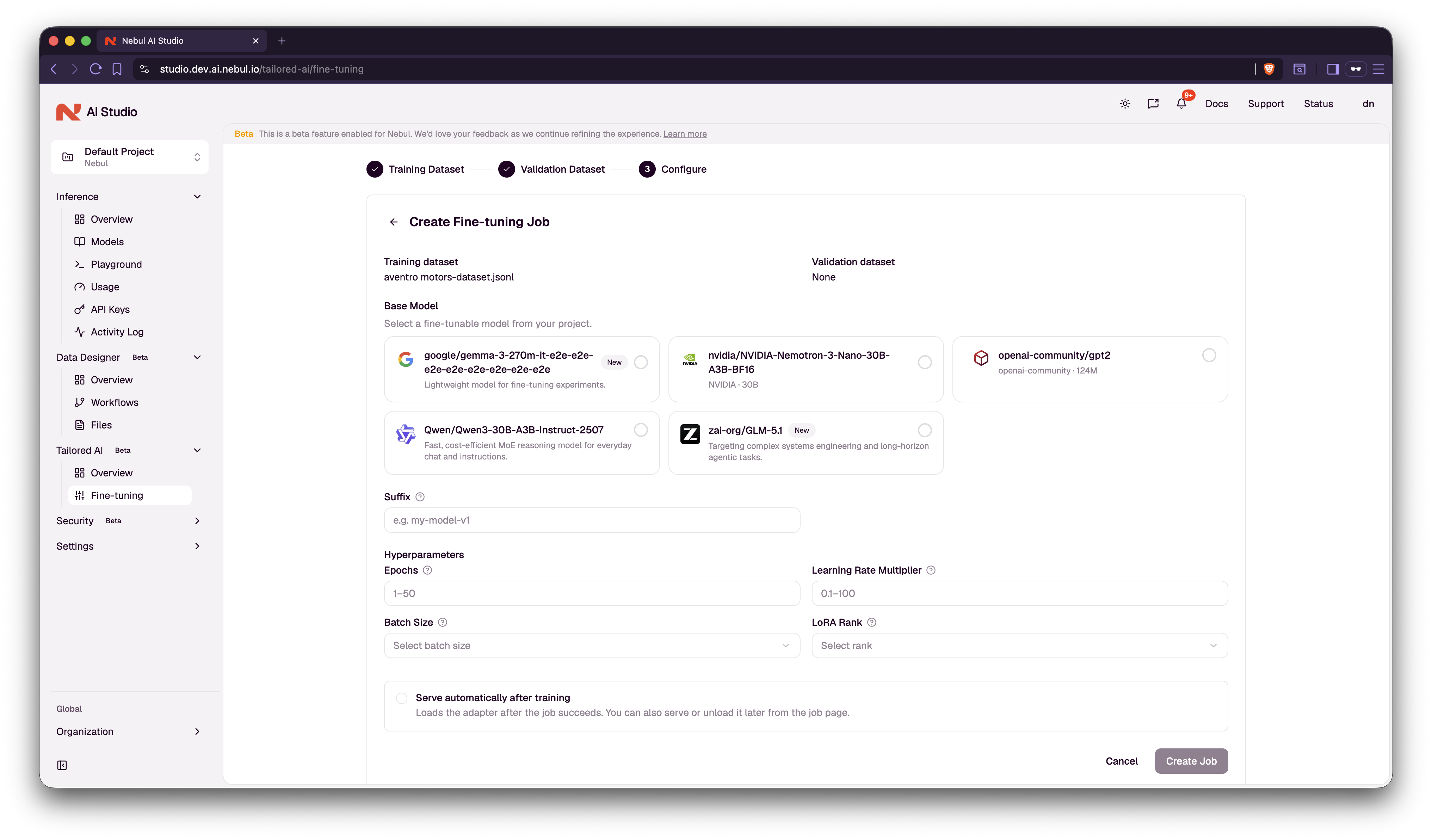
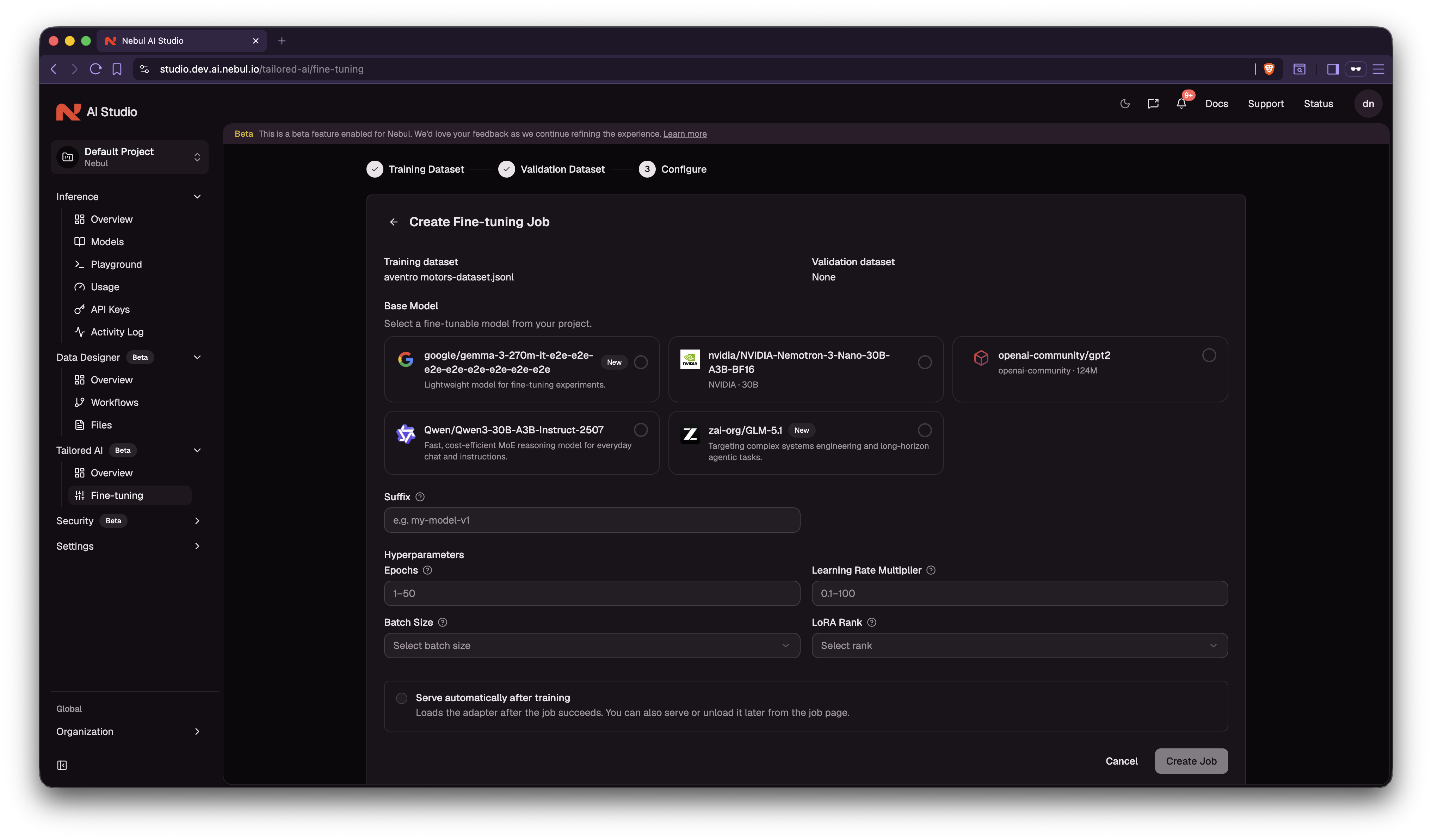
- Configure the job. Choose a base model, a suffix for the adapter name, and hyperparameters (or keep the model defaults). Tick auto-serve to have the adapter served automatically once training succeeds. To also send training metrics to your own MLflow server, fill in Log to MLflow. Click Create Job.
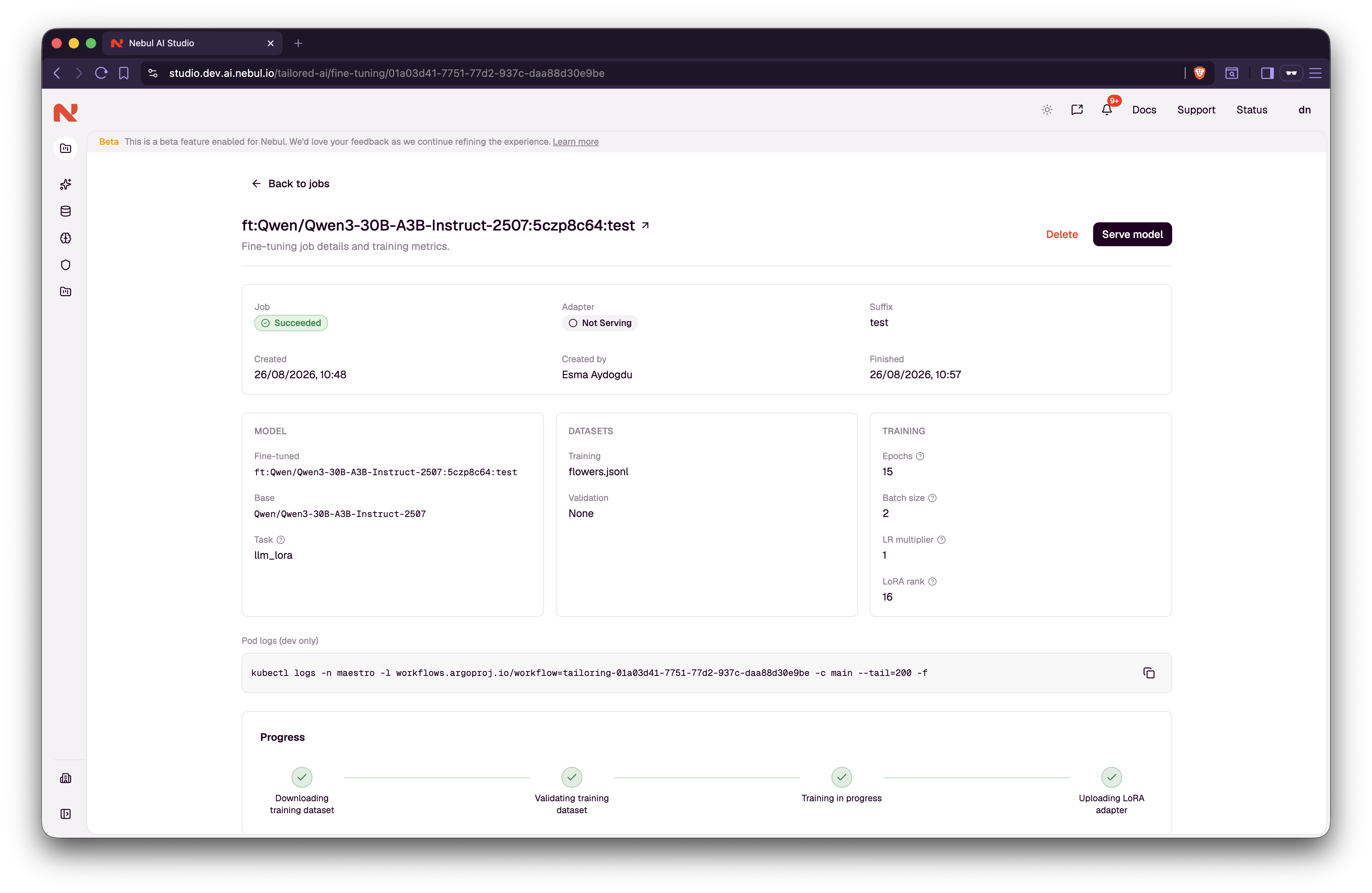
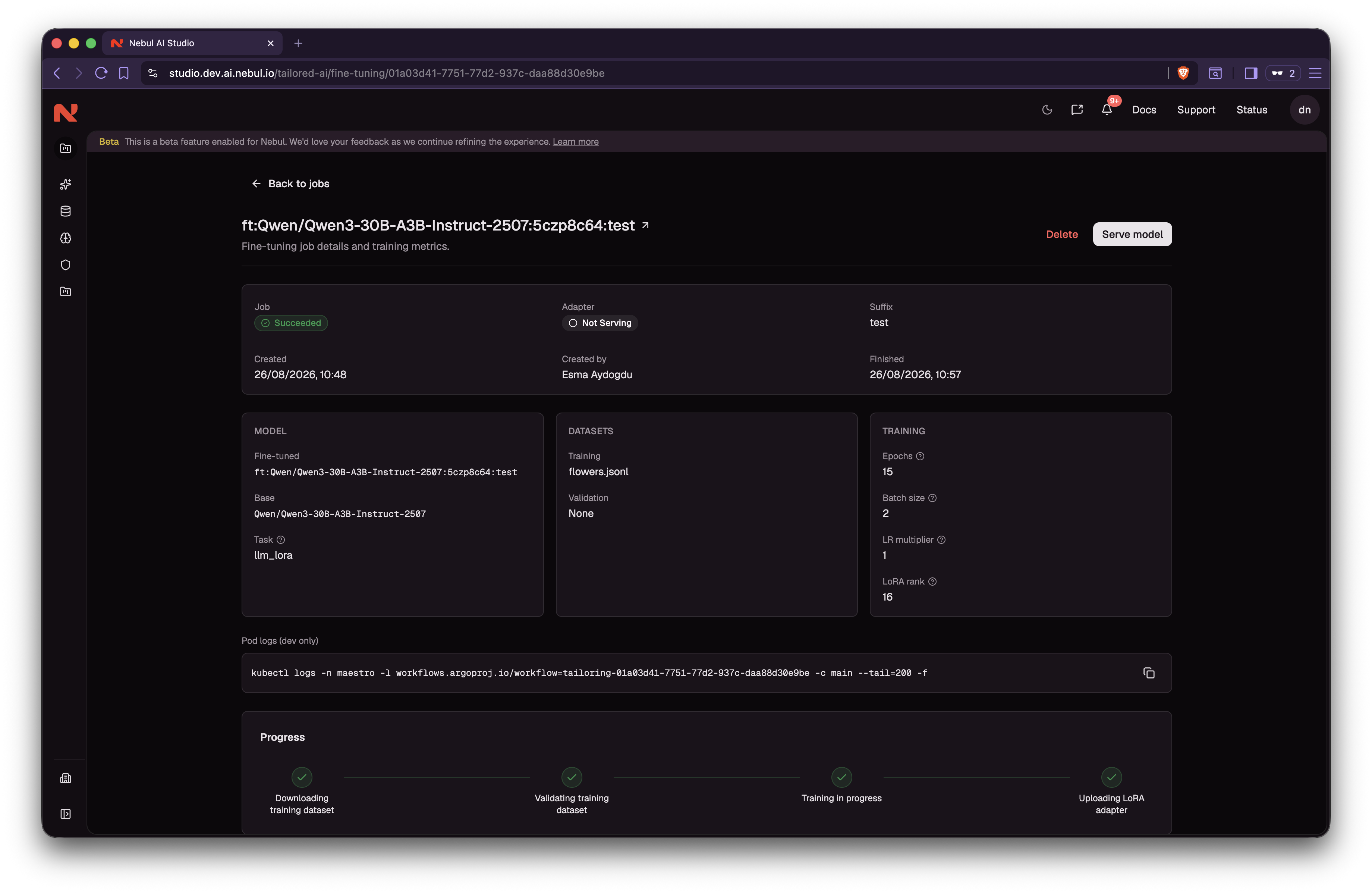
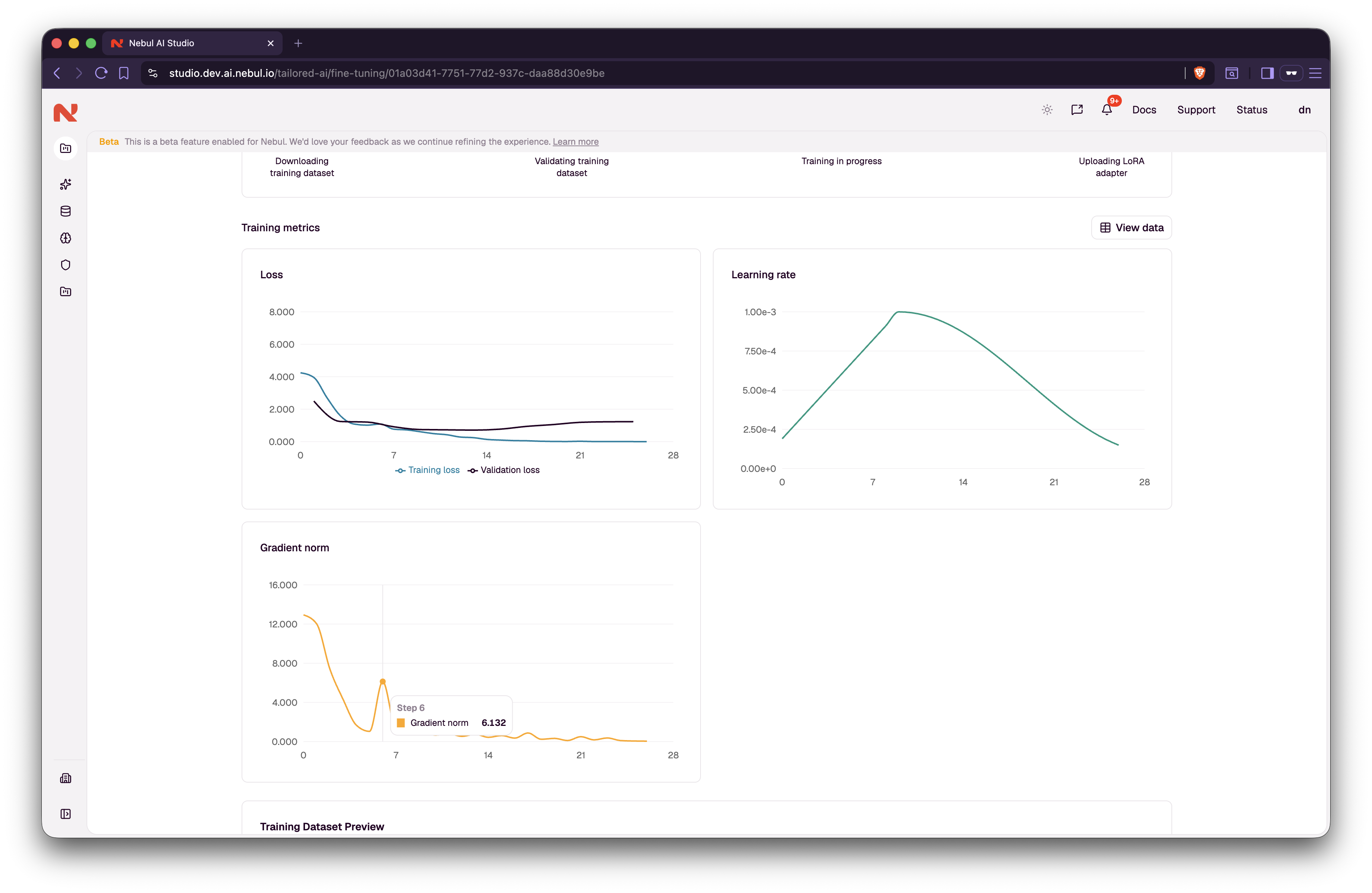
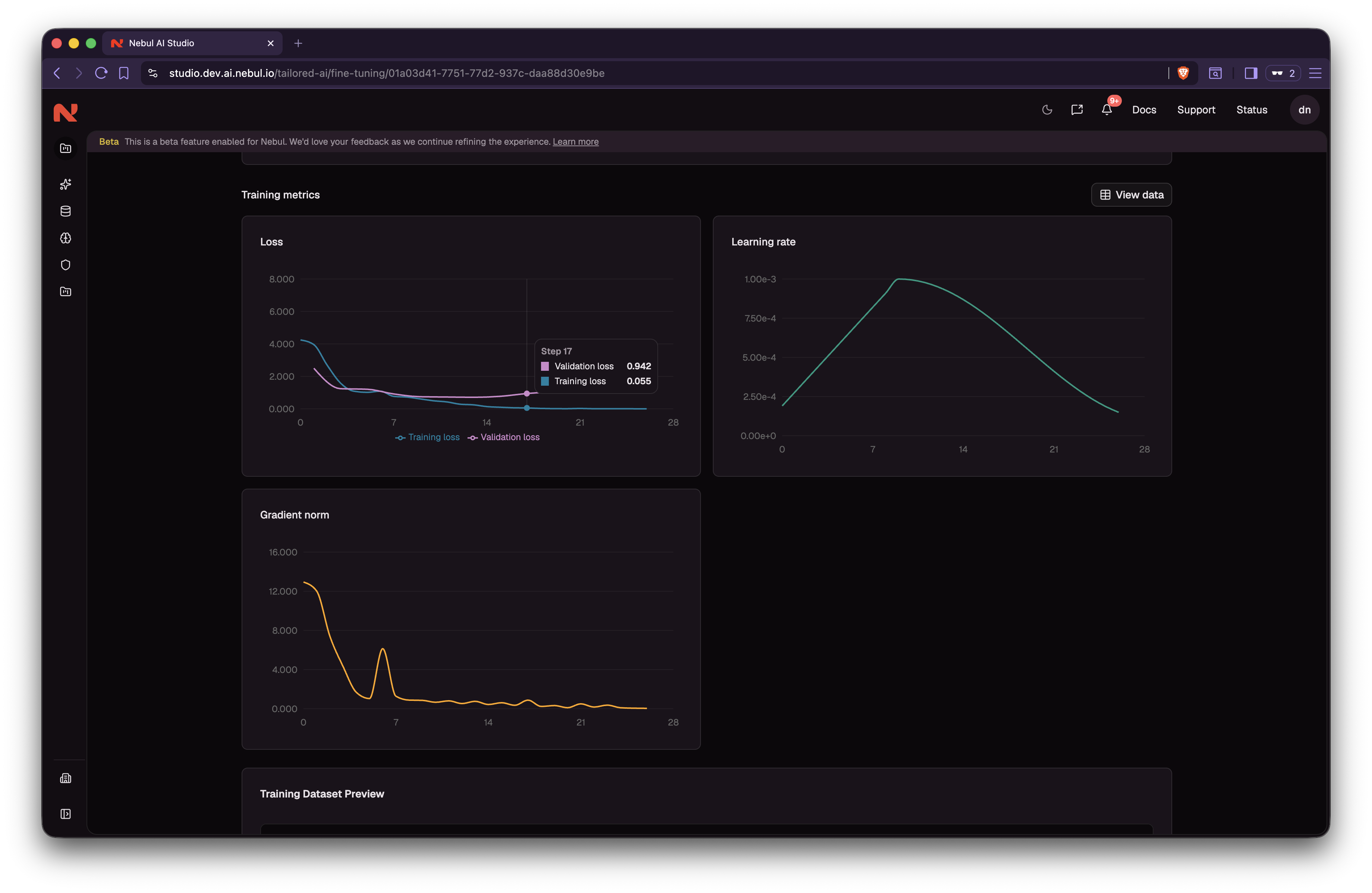
- Training runs. The dataset(s) and the base model are downloaded, then the LoRA adapter is trained and uploaded. Watch live progress and loss, and cancel at any point.
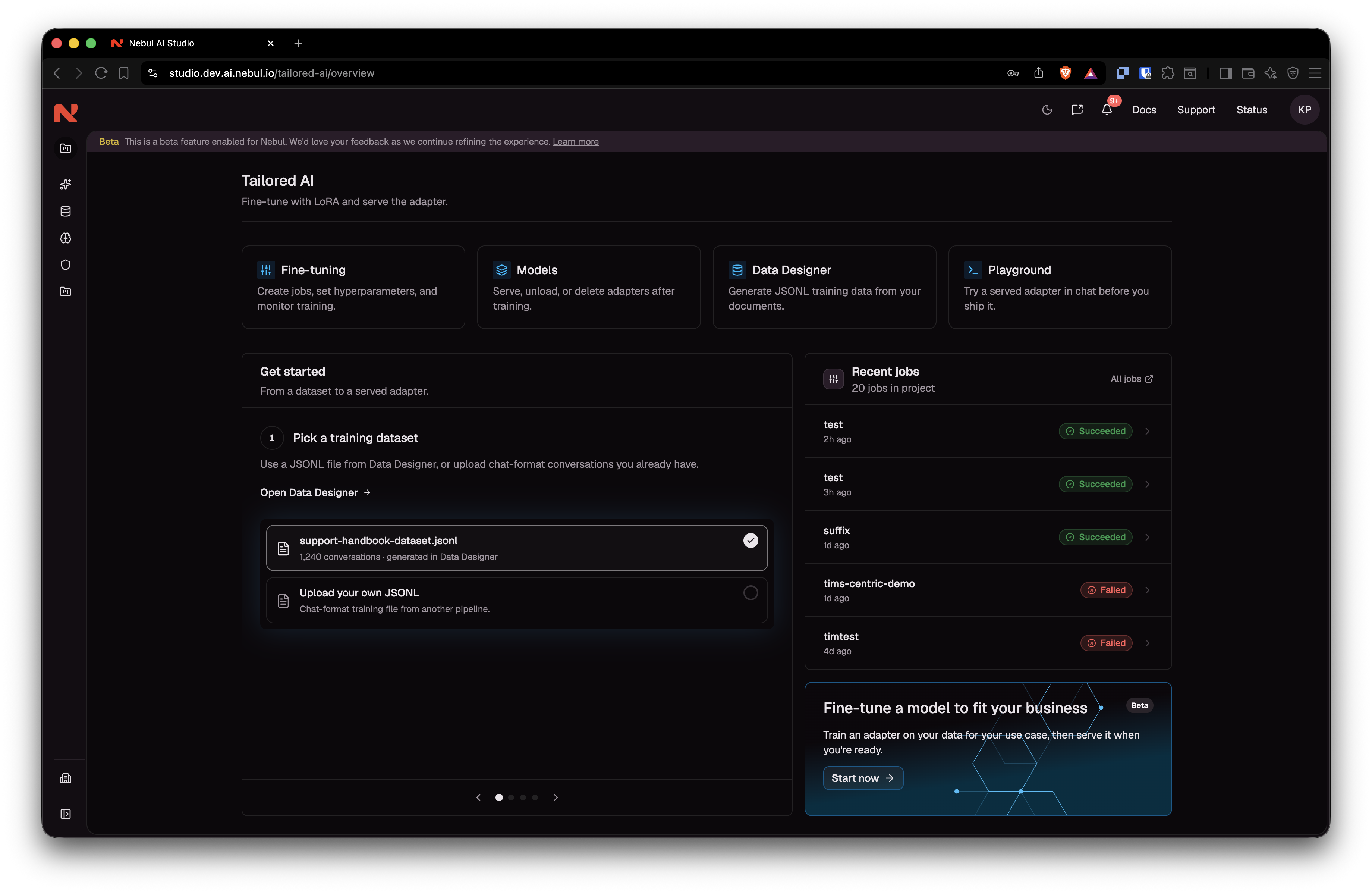
- Serve the adapter. When the job succeeds, it shows up with your other models (tagged as fine-tuned). It stays Not serving until you load it from the job or the model catalog, unless you ticked auto-serve.
Supported base models
Fine-tuning currently covers text LLMs only, and trains LoRA adapters. Embedding, speech, vision and reranking models cannot be fine-tuned and no full-weight fine-tuning is offered.
Base models with a training recipe:
- NVIDIA Nemotron-3-Nano-30B-A3B
- Qwen3-30B-A3B-Instruct-2507
Dataset format
Training data must be JSONL. Each line is one example with an id and a messages list of role / content objects.
{"id": "1", "messages": [{"role": "user", "content": "What is our return window?"}, {"role": "assistant", "content": "Customers can return unused items within 30 days of delivery."}]}Each conversation must be trainable: an optional system message first, then alternating user / assistant turns, last message assistant, and no empty content.
AI Studio checks every row when you select the file, before any GPU is booked. The check is all or nothing: a single invalid row fails it, and the wizard shows the line and the reason. An empty file fails too. No rows are dropped. Fix the file, upload it again, and select it. If the check failed for another reason, such as a network error, click Re-validate.
Examples are truncated at 2048 tokens. Longer conversations lose their tail, so split them before uploading.
If you generated the file in Data Designer, it is already in this format. If you have source material (policies, manuals, tickets) but not a training file yet, start there.
Wizard defaults
Hyperparameters are pre-filled from the selected model. Use Reset to defaults to restore them.
| Setting | Typical default | Why you might change it |
|---|---|---|
| Epochs | 1 (range 1 to 50) | More passes can help on a smaller file. Too many can memorize the data. |
| Batch size | 1, 2, 4, or 8 | Examples per GPU per step. The effective batch is fixed at 32 either way, so this changes neither training results nor how many loss points you get. It trades GPU memory against the number of accumulation steps. Lower it if a run hits out-of-memory. |
| Learning rate multiplier | 1 (range 0.1 to 10) | 1 keeps the recommended rate for that model. Lower if training looks unstable; higher learns faster but can overshoot. |
| LoRA rank | 16 (8, 16, 32, 64, or 128) | Higher rank can capture more detail. Lower stays lighter and is less likely to overfit. Rank cannot exceed 128. |
| Suffix | None | Label (max 18 characters) appended to the fine-tuned model name, which reads ft:{base-model}:{id}:{suffix} |
| Validation file | None | Provide your own eval split, or skip and let a 10% holdout be taken when the training file has 50+ rows. |
| Serve automatically after training | Off | Loads the adapter as soon as the job succeeds, instead of leaving it Not serving until you serve it. See Serving a fine-tuned model. |
Leave the defaults unless you have a reason to change them.
Log to your own MLflow server
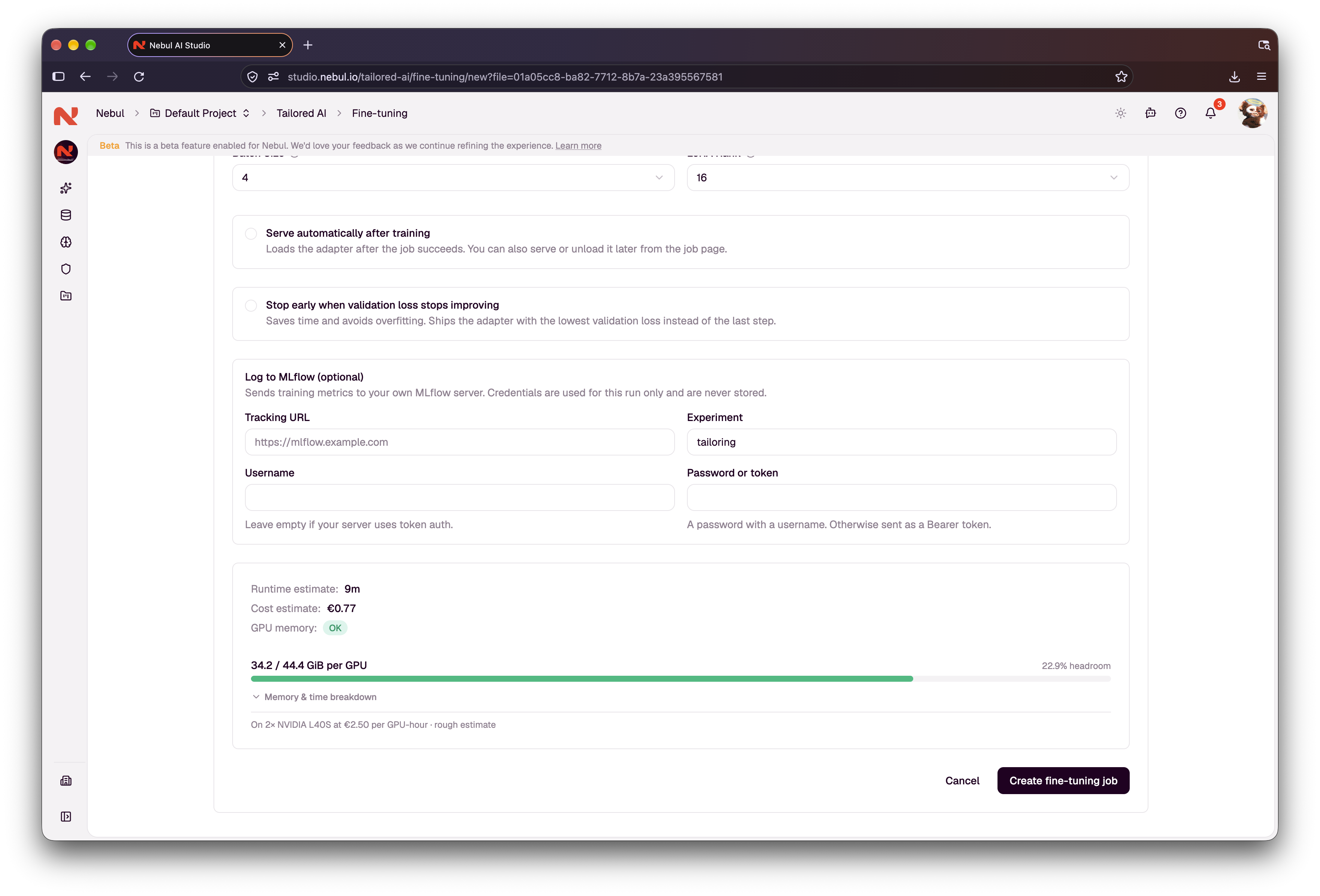
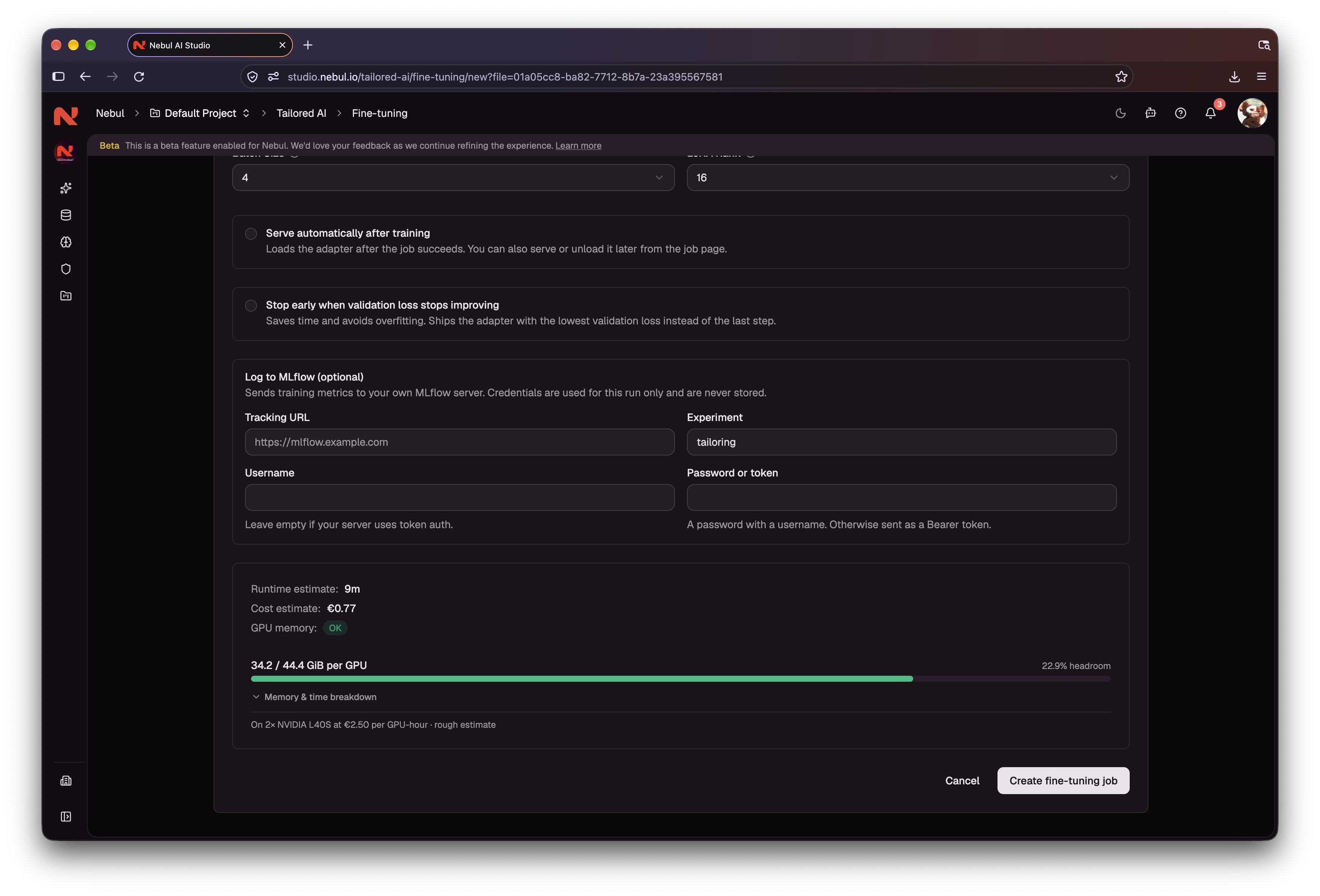
A fine-tuning job can also send its training metrics to your own MLflow tracking server. Loss charts still show in AI Studio.
Fill in Log to MLflow (optional) on the configure step:
| Field | What to enter |
|---|---|
| Tracking URL | Your MLflow server's address, such as https://mlflow.example.com. It must use HTTPS and be reachable from the internet. Private and local addresses are rejected. |
| Experiment | The experiment to log the run under. Defaults to tailoring. |
| Username | Your MLflow username. Leave it empty for token auth. |
| Password or token | The password for that username, or an access token if you left Username empty. |
Leave the credential fields empty if your server has no login. Credentials are used for this run only and are never stored.
When the job starts, its page shows an MLflow card with a link to your server and the run name. The run name is the job ID: search for it in the experiment to open the run.
No run appears in MLflow? Check that the tracking URL opens from outside your own network, that its TLS certificate is valid, and that your credentials work in the MLflow UI.
In the product
| Feature | What you get |
|---|---|
| Wizard | Training dataset, optional validation dataset (each checked when you select it), then configure and start. |
| Live run tracking | Phase progress (download dataset(s), download base model, train, upload adapter), loss charts, and cancel. |
| All runs | A list of fine-tuning jobs for the project, with status (queued, running, succeeded, failed, cancelled). |
| MLflow logging | Optional copy of the training metrics in your own MLflow server, with a link to it on the job page. See Log to your own MLflow server. |
| Finished adapters | Successful jobs appear in Inference → Models. Serve or unload them, or tick Serve automatically after training. |