Organization
Your organization is the top-level container in AI Studio. Everyone at your company shares one organization; all projects, members, and billing sit underneath it.
Most day-to-day work happens inside a project. Organization settings are for people who need the bird's-eye view: billing, cost, members, and project lifecycle.
Organization roles
Manage organization members under Settings → Organization → Members (organization owners only).
| Role | What it means |
|---|---|
| Owner | Full control of the organization: profile and branding, billing and cost, creating and archiving projects, inviting people, assigning them to projects, and organization-wide usage analytics. Organization owners also have full access inside every project, whether or not they appear on that project's member list. |
| Member | Belongs to the organization and works in the project they were assigned when invited. They use Studio for API work, keys, and dashboards in those projects. An organization owner can add them to further projects later. |
What organization owners manage
Billing and cost
Organization owners can view organization-wide usage and cost under Settings → Organization → Usage. This rolls up activity across all projects so you can compare spend and spot trends without switching projects one by one.
Cost figures in Studio are indicative — useful for monitoring and allocation, not a substitute for contractual invoices. Questions about billing should go through the support portal.
Projects
Organization owners create, rename, and archive projects. Archiving turns off API keys and hides the project from day-to-day navigation; historic usage data remains available to operators who need it.
See Projects for what lives inside a project.
Members and invitations
Organization owners invite people to the organization and assign them to a project at the same time. Everyone in Studio belongs to at least one project. Owners can add people to further projects later.
Organization-wide activity
Under Settings → Organization → Activity log, organization owners see a request trail across all projects, including which project each call belonged to. This is the organization-scale counterpart to the per-project Inference → Activity log.
Model catalog
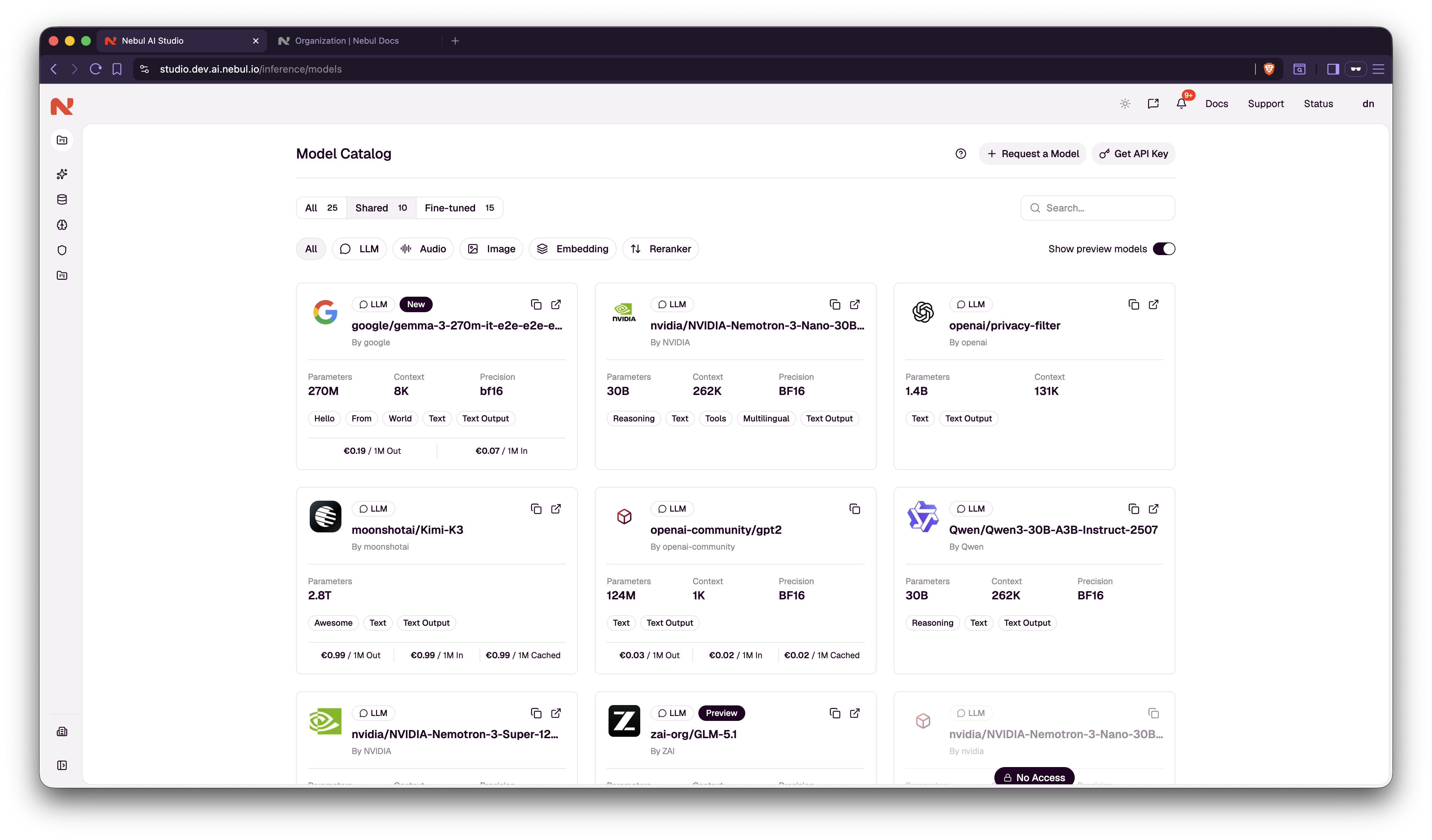
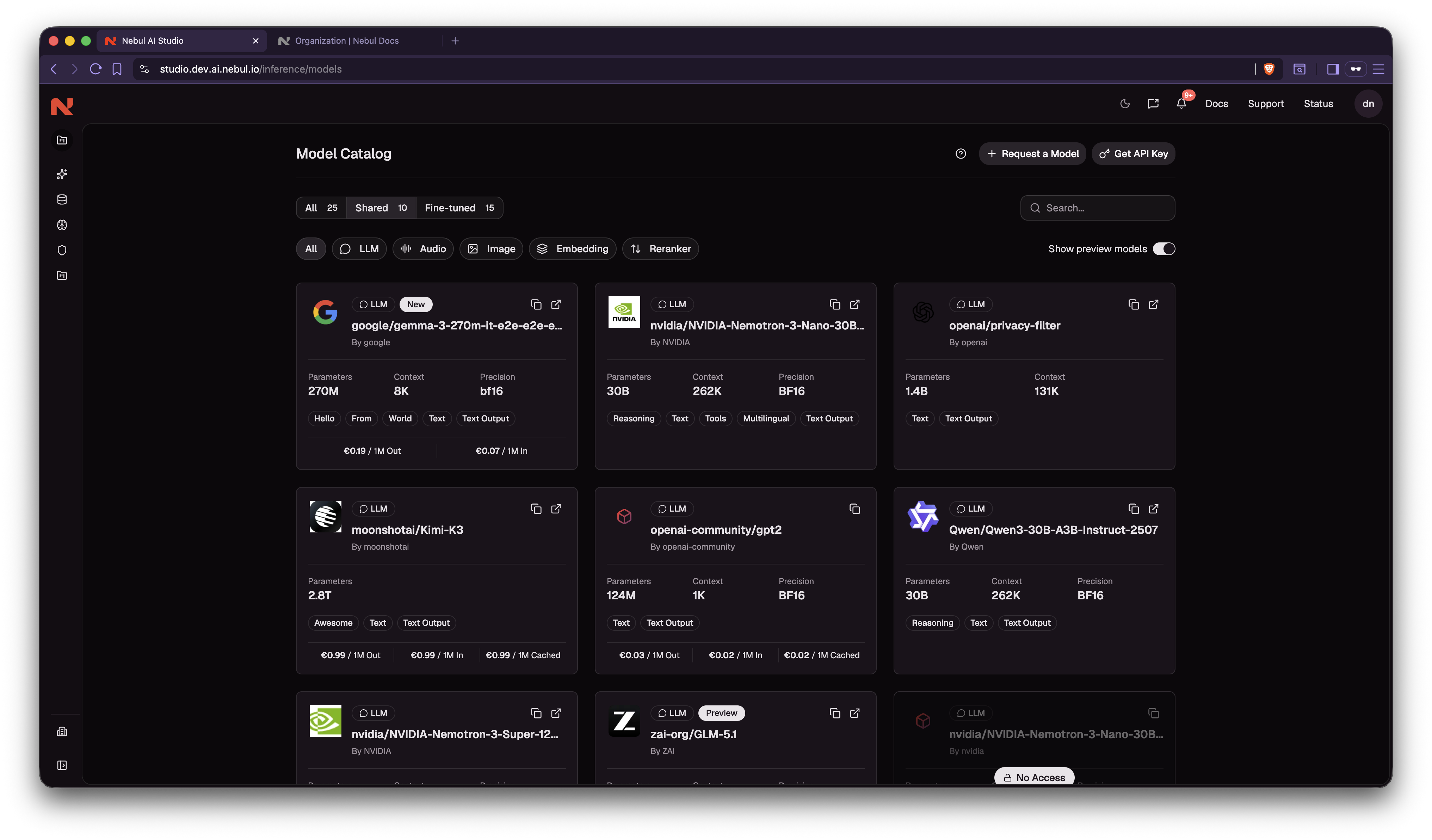
Your subscription determines which models are available to the organization. The catalog under Settings → Organization (or the main Model catalog page) shows what your organization can use. Individual projects then enable a subset of those models via model access.
Organization vs project
| Organization | Project | |
|---|---|---|
| Scope | Entire company workspace | One team, environment, or workload |
| Typical admin | Organization owners | Project owners |
| Billing / org-wide cost | ✓ | — |
| API keys | — | ✓ (per project) |
| Model access | Catalog (what's available) | Enabled subset (what keys may call) |
| Usage dashboards | Roll-up across projects | Scoped to one project |
| Monthly budget | — | ✓ (optional, per project) |
For project-level roles, keys, model access, usage, and budgets, see Projects.